Find each system on the overhead
The overhead groups electrical, fuel, hydraulic and air-conditioning controls. The panel view shows where those groups sit relative to one another.
Explore the A320 cockpit overhead panel in your browser. Select a control to see where it sits and learn what it represents.
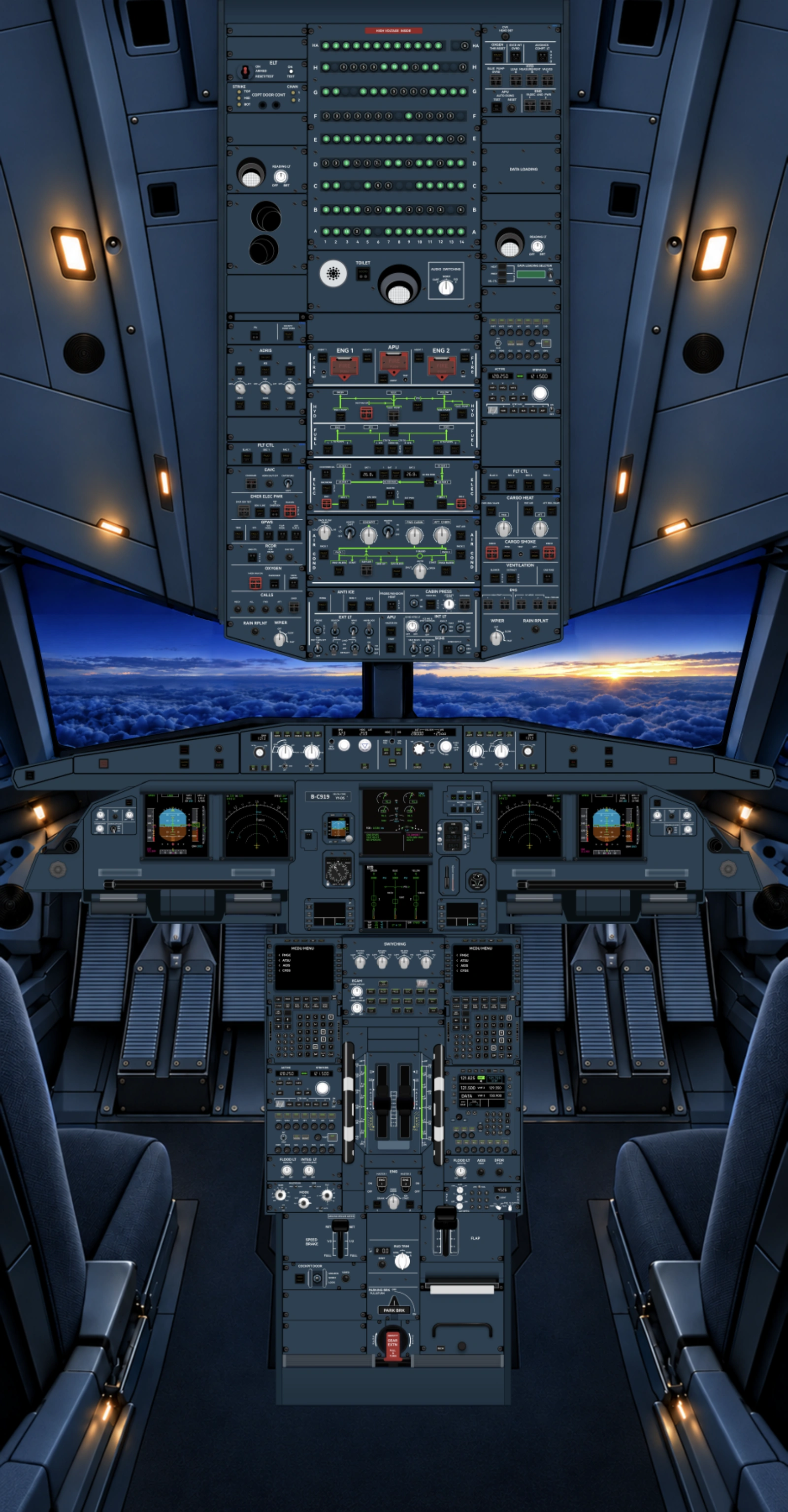
The overhead groups electrical, fuel, hydraulic and air-conditioning controls. The panel view shows where those groups sit relative to one another.
Select a switch or display area to see its associated description or illustration. Compare the pushbuttons, selectors and indications within one panel.
Use the screenshots on the app page to compare the overhead with the main instrument panel, the center pedestal and the complete flight deck.
Open the panel and select a control to see its details, including on a phone.